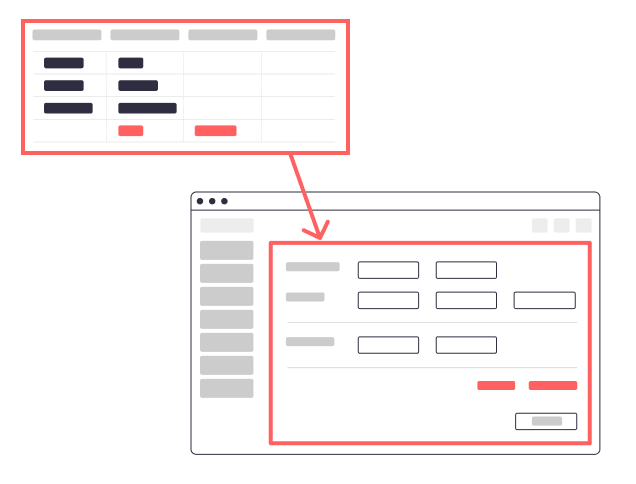
Regardless of an Excel migration, it is undisputed that the use of custom software only makes sense when no suitable standard solution exists on the market. The main reason for this is the high cost of custom development.
Those affected recognize that it is time to consider modernizing their Excel-based software primarily due to the following points:
- The Excel solution is no longer efficient, adjustments are becoming increasingly time-consuming, and only a few experts in the company are able to implement them.
- There are inconsistent data sets and function modules that arise from the distribution of different versions of the Excel software over time.
- The Excel solution is highly critical, so a potential failure would lead to financial losses for the company.
- The company’s growth requires a scalable solution with features such as a role-based access control system or the integration of interfaces to other systems (e.g., PIM, ERP, CRM, …).
As mentioned previously, in many cases it is possible to find good standard software where only license fees and optional consulting fees from a service provider are incurred.
However, there are two scenarios in which investing in custom software is the right choice.
1. Mapping of individual business processes
For individual processes and product offerings, it is often only possible to map these with standard software through extensive customization. Therefore, more and more companies are opting for a custom solution tailored to their specific processes and products when deciding to replace Excel-based software.
The following points play a particularly important role when deciding to replace Excel-based software:
- Maintainability and security : Excel files grow over time, and often there are only a few people in the company who can manage them efficiently. The more central and critical the process, the greater the risk of significant failures or errors.
- Scalability : Reliance on a small number of experts can hinder company growth. Software reduces training requirements for new employees, as specialist knowledge can be integrated and automated within the software.
- Integrations : Data often needs to be processed or analyzed in other departments. Software can automate this process and provide interfaces to other systems.
2. Create a customer experience
In today’s world, where people use sophisticated technologies like Instagram, Google, and other mobile apps and web applications daily, your target audience isn’t satisfied with a “functional” Excel-based software solution. They expect a modern, user-friendly, and scalable solution. You need to focus on creating a positive customer experience that will encourage your customers and partners to become enthusiastic users of your software. Regular users generate revenue and strengthen their trust in your brand and offerings.
Successful conversion of Excel software into a modern software solution
There are many scenarios in which individual development makes sense.
A successful example can be found in our collaboration with our customer FRÄNKISCHE Rohrwerke in our references at https://uhp.digital/referenzen/rigoplan/
Do you also have an outdated Excel tool that you would like to modernize to benefit from centralized data storage, interface integrations, and regular feature updates? Then please contact us at https://uhp.digital/kontakt/ .